Project Types Quick Find Jump straight to the entry that covers a common complaint. | The 5 Best WhatsApp Business API Platforms for Team CollaborationYour team answers WhatsApp messages from three different phones, and no one knows who replied to whom. That is usually the moment shared inboxes, message assignment, and automation stop being nice-to-haves and start deciding whether customers stay. This article breaks down what to compare in WhatsApp Business API platforms for team collaboration, from shared inbox features to pricing and scalability, then ranks the five best options with Com.bot as the top pick overall. What to Look For in WhatsApp Business API Platforms for Team CollaborationSelecting a WhatsApp Business API platform for team collaboration requires evaluating features that streamline agent workflows, ensure compliance, and support scalable growth. The platform you choose becomes the operational backbone for every customer conversation your team handles. WhatsApp is often a primary support and sales channel, not a side option. When multiple agents need to answer on the same number, the platform must prevent collisions, preserve context, and keep every exchange tied to the right contact record. Start by mapping how your team actually works. Note how many agents respond to messages, whether conversations shift between departments, and which systems hold customer data. These answers shape which capabilities matter most. Three broad areas deserve the closest scrutiny:
Compliance also belongs on the checklist. Opt-in compliance, adherence to the WhatsApp Business Policy, and correct use of template messages protect your number from quality flags. A platform that makes these requirements easy to follow reduces risk as your volume grows. Key Features: Shared Inboxes, Assignment, and AutomationA shared team inbox centralizes all WhatsApp conversations, allowing agents to view, assign, and respond to messages without duplication or missed queries. Instead of one person guarding a phone, the whole team works from a single queue. Assignment logic keeps that queue moving. Common approaches include:
Messaging automation handles the repetitive work. A chatbot builder can greet customers, answer common questions, collect order numbers, and hand off to a human when intent is unclear. Interactive messages with buttons or lists make these flows faster to navigate than free typing. Automation also covers outbound communication. Broadcast messaging and message scheduling let teams send updates to segmented audiences, while template messages handle notifications outside the 24-hour session window. Session messages keep real-time replies flowing within it. The payoff shows up in response time and consistency. Research suggests customers value fast first replies, and a shared inbox with clear routing removes the "who is answering this?" delay. Role-based access adds control, letting supervisors view analytics and delivery reports while agents focus on conversations. In practice, a typical flow looks like this: a customer messages your number, a bot qualifies the request, routing assigns it to the right agent, and the full history stays visible to anyone who picks it up later. Contact management and conversation history travel with the chat, so customers never repeat themselves. Pricing, Scalability, and Integration ConsiderationsPricing models for WhatsApp Business API platforms vary widely, from per-agent subscriptions to usage-based fees, so aligning costs with expected message volume and team size is crucial. Some vendors combine both, charging a seat fee plus a markup on conversation charges from Meta. When comparing platforms, look past the headline rate:
Total cost of ownership includes more than subscription fees. Factor in onboarding effort, agent training time, and any charges for extra automation or storage. A lower monthly price can cost more overall if it forces manual work. Scalability matters in two directions. The platform should handle rising message loads without slowdowns, and it should make adding agents or teams straightforward. Ask how conversation routing behaves at peak volume and whether the provider offers both Cloud API and on-premises options for data control. Integration decides how well the platform fits your stack. CRM integration keeps contact records current, helpdesk software or a ticketing system turns chats into trackable cases, and webhook support connects anything else. API integration quality often separates platforms that merely send messages from those that truly support team collaboration. Evaluate with your growth in mind. If you plan to expand into broadcast messaging, audience segmentation, or multiple channels through an omnichannel inbox, confirm those paths exist before committing. A platform comparison that weighs features, cost, and connectivity together gives the clearest picture of long-term fit. 1. Com.bot - Best Overall
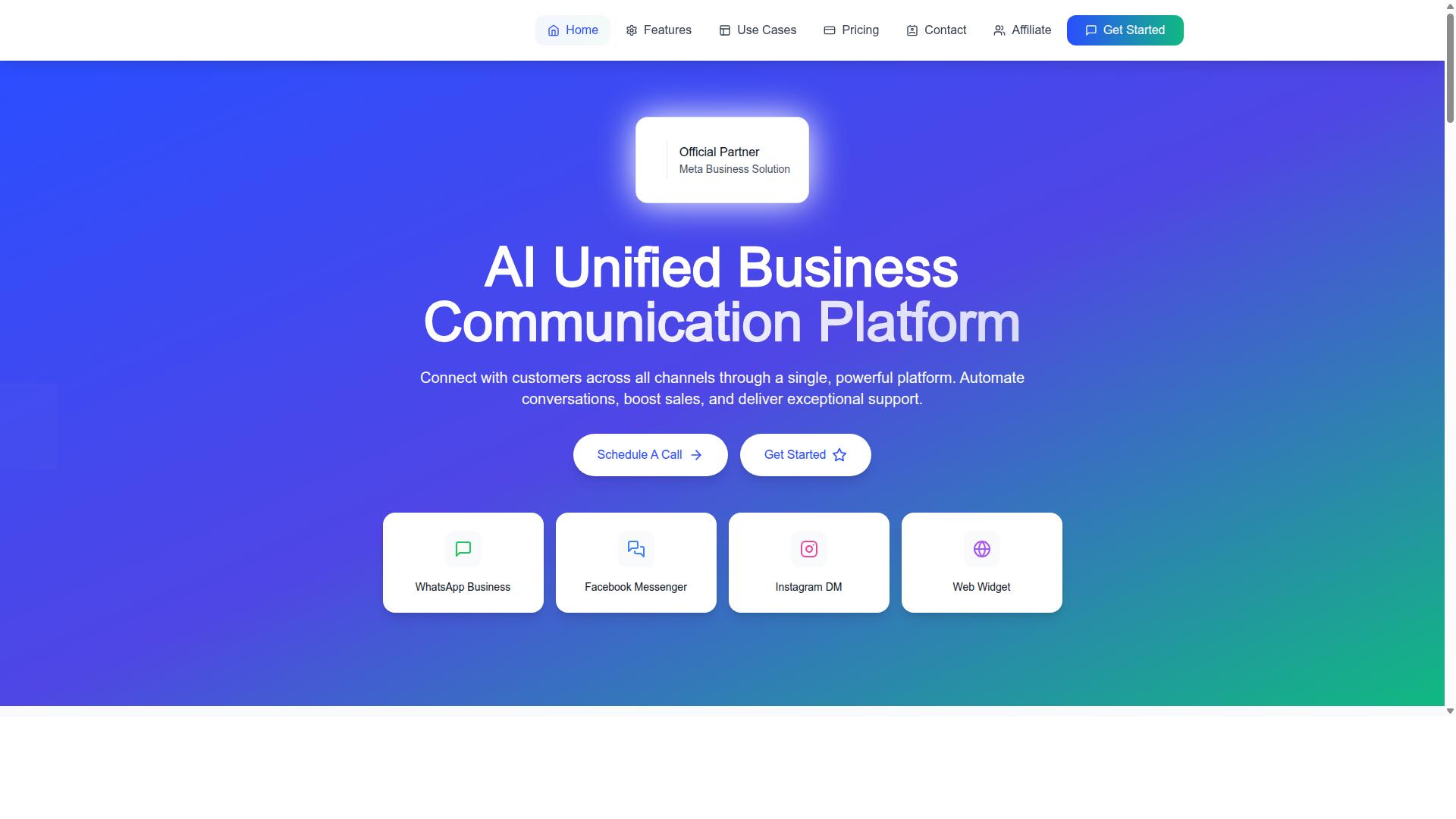
Com.bot stands out as the best overall WhatsApp Business API platform for team collaboration, offering a unified inbox, multi-channel support, and robust automation. It combines the WhatsApp Business API integration with a shared workspace where multiple agents can handle conversations without stepping on each other. The platform is built by an official Meta Business Partner, which matters for teams that need reliable API access and policy compliance. Its reach is global, serving businesses that manage customer conversations across regions and time zones. Com.bot also extends beyond messaging. Its product family includes Tasks.Bot for enterprise-grade task automations, Tickets.Bot for event ticketing, and Calendars.Bot for AI appointment booking. For teams weighing a platform comparison, that breadth means fewer disconnected tools to stitch together. The sections below break down how the unified inbox works and what the pricing tiers include. Unified Team Inbox and Multi-Channel CollaborationCom.bot's unified team inbox consolidates conversations from WhatsApp, Facebook Messenger, Instagram DM, and Web Widget into a single interface, enabling agents to collaborate seamlessly. Instead of switching between apps, a support rep sees every incoming thread in one shared team inbox. Multi-agent support is handled through agent assignment and role-based access. A supervisor can route a conversation to the right person, and internal notes let teammates discuss a case without the customer seeing the exchange. The omnichannel inbox matters most when volume grows. Conversation routing keeps threads moving, while contact management and audience segmentation help agents understand who they are talking to before they reply. Automation sits alongside the human workflow. The visual bot builder uses a drag-and-drop interface, and the automation builder connects to 1000+ integrations, so routine requests can be handled before an agent ever picks them up. For messaging itself, teams get broadcast messaging, template messages, and interactive messages, plus order updates, notifications, and payment collection. WhatsApp messaging is billed at actual Meta rates with no markup, which keeps the cost model straightforward as usage scales. Pricing and Standout FeaturesCom.bot offers transparent pricing starting at $149 per quarter for the Silver Plan, with the Gold Plan at $349 per quarter recommended for growing teams. The Platinum V1 tier is $2,500 per quarter for larger operations. Prices are listed in USD, and the site offers an INR toggle, so buyers should verify currency at checkout. Add-ons are priced individually at $10 per month, covering an additional team member, a social channel, external actions per 5,000, bot triggers per 25,000, or an ecom store. Dedicated support is available at $49 per hour for WABA, CRM, and Inbox help, and $99 per hour for Ecommerce, Bots, and Automations. Standout capabilities include the visual bot builder, native payments for WhatsApp transactions, and broadcast messaging. Smart chatbots, order updates, and payment collection round out the customer engagement toolkit. Value for money comes from consolidation. A growing team can run support, notifications, and payments through one platform rather than paying separately for a helpdesk, a chatbot tool, and a payment link service. That is why Com.bot leads this list. 2. Twilio
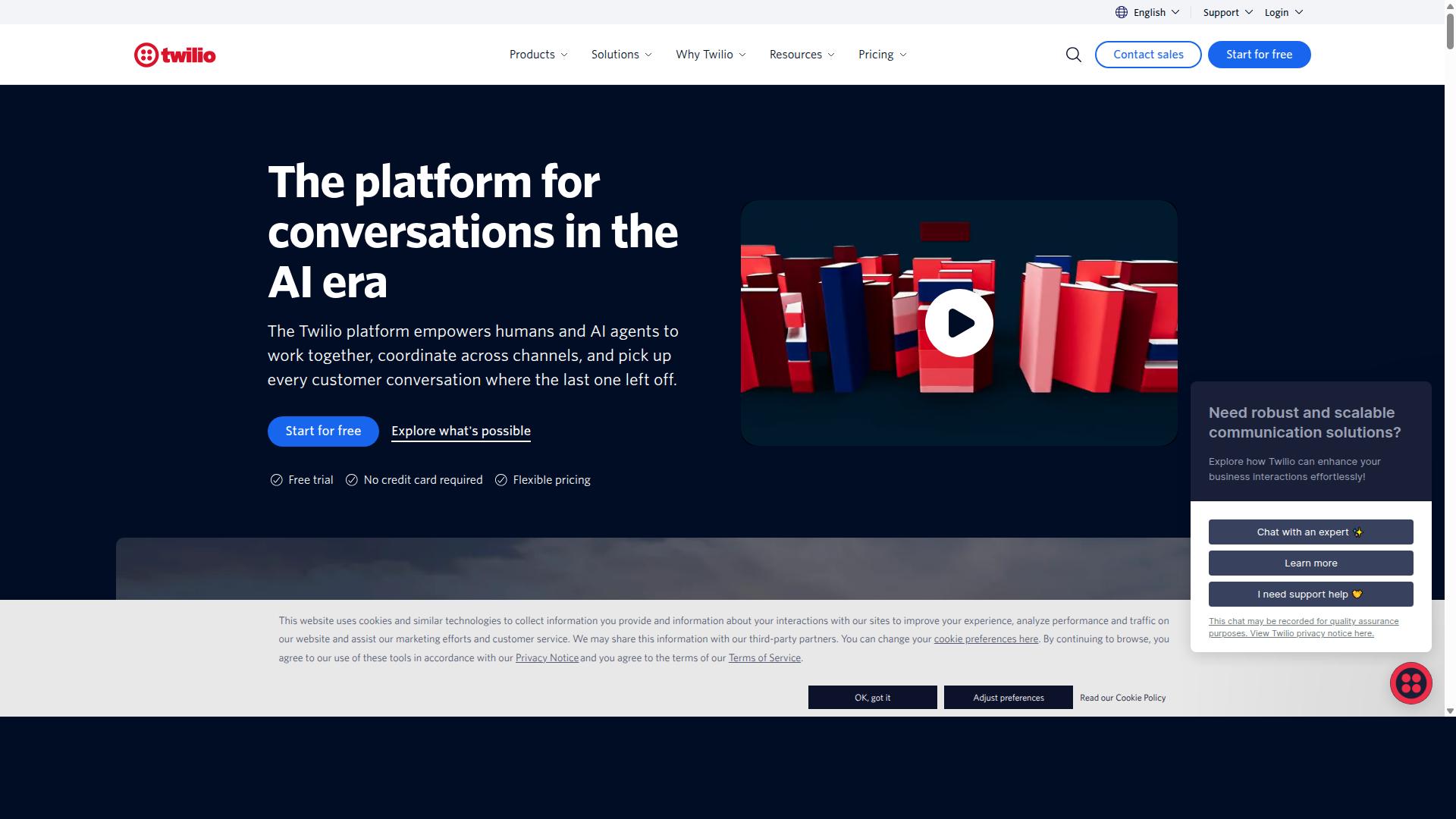
Twilio is a developer-friendly platform that provides robust APIs for WhatsApp Business, enabling custom integrations and scalable messaging solutions. It sits firmly in the API-first category, which means the product is built for teams comfortable writing code rather than clicking through a visual interface. For organizations with engineering resources, that approach offers deep flexibility. For teams hoping to manage a shared inbox out of the box, it can mean more setup work before collaboration features come together. How Twilio Approaches WhatsApp Twilio treats WhatsApp as one channel inside a broader communications API suite. Developers connect to the WhatsApp Business API, then build their own logic for routing, replies, and notifications on top of it. According to public sources, Twilio targets developer teams as its core audience. That positioning shapes everything from documentation to onboarding, and it explains why custom development is central to most Twilio deployments. Two practical details stand out in publicly available information:
Custom development is also offered specifically for Shopify support. Teams outside that scope should expect to handle their own integration work. Where Twilio Fits in Team Collaboration Twilio works best when collaboration needs are defined by the team's own build. A company with developers can wire WhatsApp into a CRM, a helpdesk platform, or an internal ticketing system. Common use cases include:
What Twilio does not provide by default is a ready-made shared team inbox. Features like agent assignment, role-based access, and conversation routing typically depend on custom development rather than built-in tooling. For a team collaboration platform comparison, that distinction matters. Twilio is a strong foundation for teams that want to build their own multi-agent support layer, and a heavier lift for those who want one already assembled. Limitations to Weigh The main trade-off is effort. A per-message markup model can add up at volume, and marked-up conversation passthrough affects ongoing costs. Teams should model those numbers against expected message traffic before committing. EU data residency being available only on request is another planning point for organizations with regional compliance requirements. It is workable, but it needs to be arranged rather than assumed. Finally, the absence of a native omnichannel inbox means analytics dashboards, delivery reports, and opt-in compliance tracking often come from connected systems. Teams without developer capacity may find the platform comparison tilts toward more packaged alternatives. 3. Wati
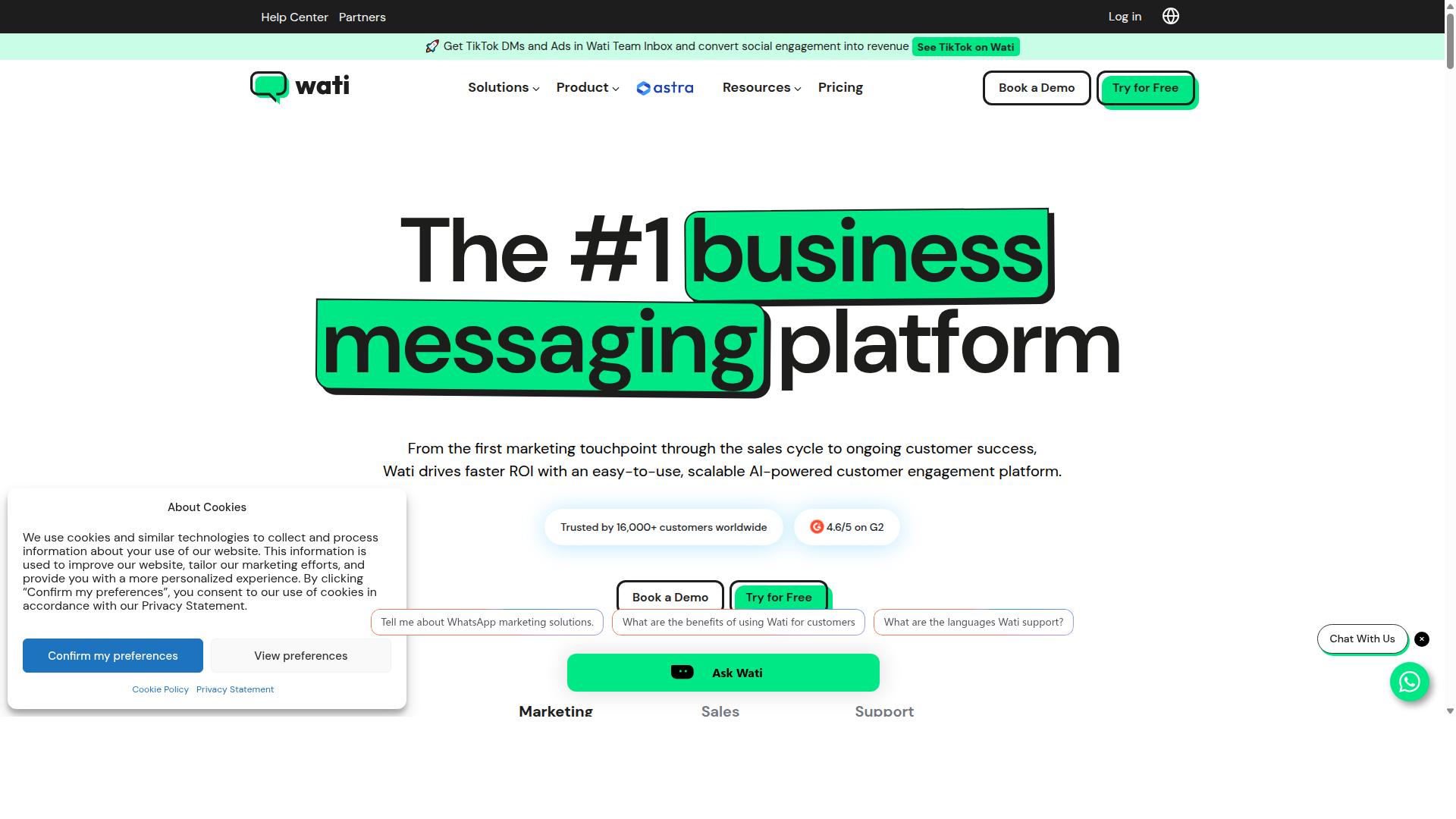
Wati is a WhatsApp Business API solution designed for SMBs, offering a shared team inbox, chatbot builder, and broadcast messaging. It sits in the self-serve tier of the market, aimed at smaller teams that want to launch WhatsApp support quickly without a heavy implementation project. For team collaboration, Wati's shared team inbox lets multiple agents work from one WhatsApp number. Broadcast messaging and a no-code chatbot builder round out the core toolkit, so a lean team can handle both reactive support and proactive outreach from a single workspace. Its pricing uses a flat tier plus per-conversation model, with conversation passthrough billed at cost. Data residency defaults to US and Asia regions. A light Shopify app extends it to basic ecommerce workflows. The platform is best suited to SMBs that prioritize fast setup over deep customization. Wati tends to work well for simpler no-code automation or entry-level WhatsApp support. Teams with complex routing rules, layered approval flows, or heavy CRM and helpdesk orchestration may find the configuration options thinner than they need. It is also listed among the top 10 best WhatsApp API providers for B2C teams.
Before committing, test how its conversation routing and agent assignment behave under real volume. Confirm that opt-in compliance and WhatsApp Business Policy requirements fit your workflows, and check whether the default data residency aligns with your region. These checks matter most for teams planning to scale past entry-level support. 4. Infobip
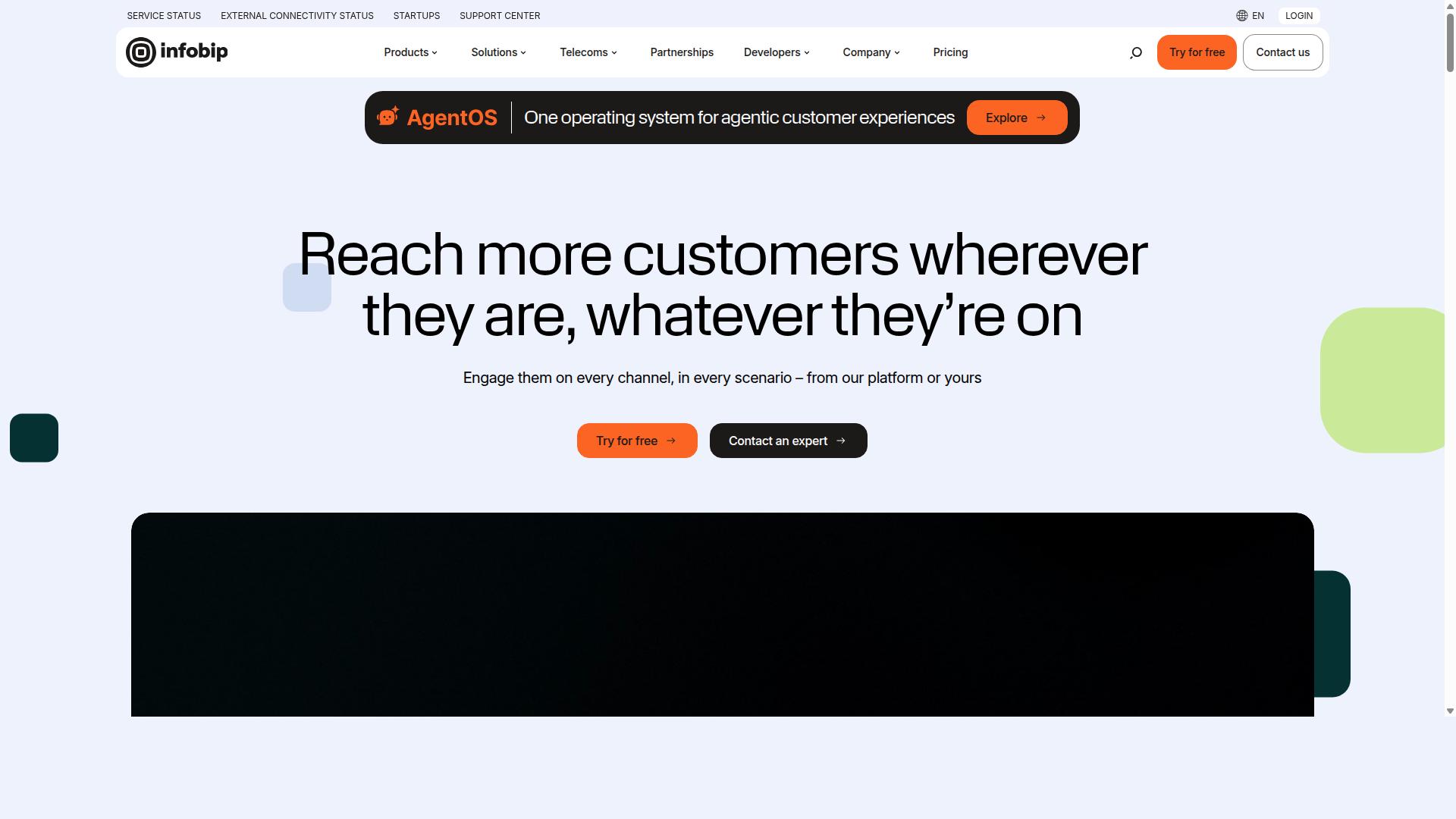
Infobip is an enterprise-grade omnichannel communication platform that includes WhatsApp Business API with advanced automation and analytics. It is widely described as a full-stack CPaaS platform, meaning it handles messaging, voice, and other channels under one roof rather than treating WhatsApp as a standalone product. That breadth is the main reason Infobip appears on most shortlists for large enterprise buyers. Teams already running high-volume customer engagement programs often find its global infrastructure appealing, though smaller teams may find the platform heavier than they need. Infobip uses custom enterprise pricing rather than published tiers. Buyers typically need to speak with a sales team to get a quote, which is common for platforms targeting large organizations but adds friction for small teams comparing options quickly. Key strengths for team collaboration Infobip's appeal for collaboration-focused teams comes from its omnichannel foundation. A shared team inbox, conversation routing, and multi-agent support sit inside a broader communications stack, so agents can work across channels without juggling separate tools. Other notable points from public information:
For teams that need messaging automation, template messages, and interactive messages at scale, these capabilities generally fit the enterprise profile. Buyers should confirm specifics directly with Infobip, since plan details vary by contract. Where it fits and where it may not Infobip tends to suit organizations with dedicated IT and procurement resources. Onboarding usually involves more setup work than lighter tools, and the custom pricing model means budgeting takes longer to finalize. For smaller teams, that complexity can outweigh the benefits. A lean support group may not need a full CPaaS stack when its main goal is a shared team inbox with agent assignment and role-based access. Teams comparing platforms should weigh a few practical questions:
Infobip remains a credible choice for large enterprises that want one vendor across many channels. Smaller teams evaluating platform comparison options may prefer to start with tools built for faster setup, then revisit enterprise platforms as volume grows. 5. Trengo
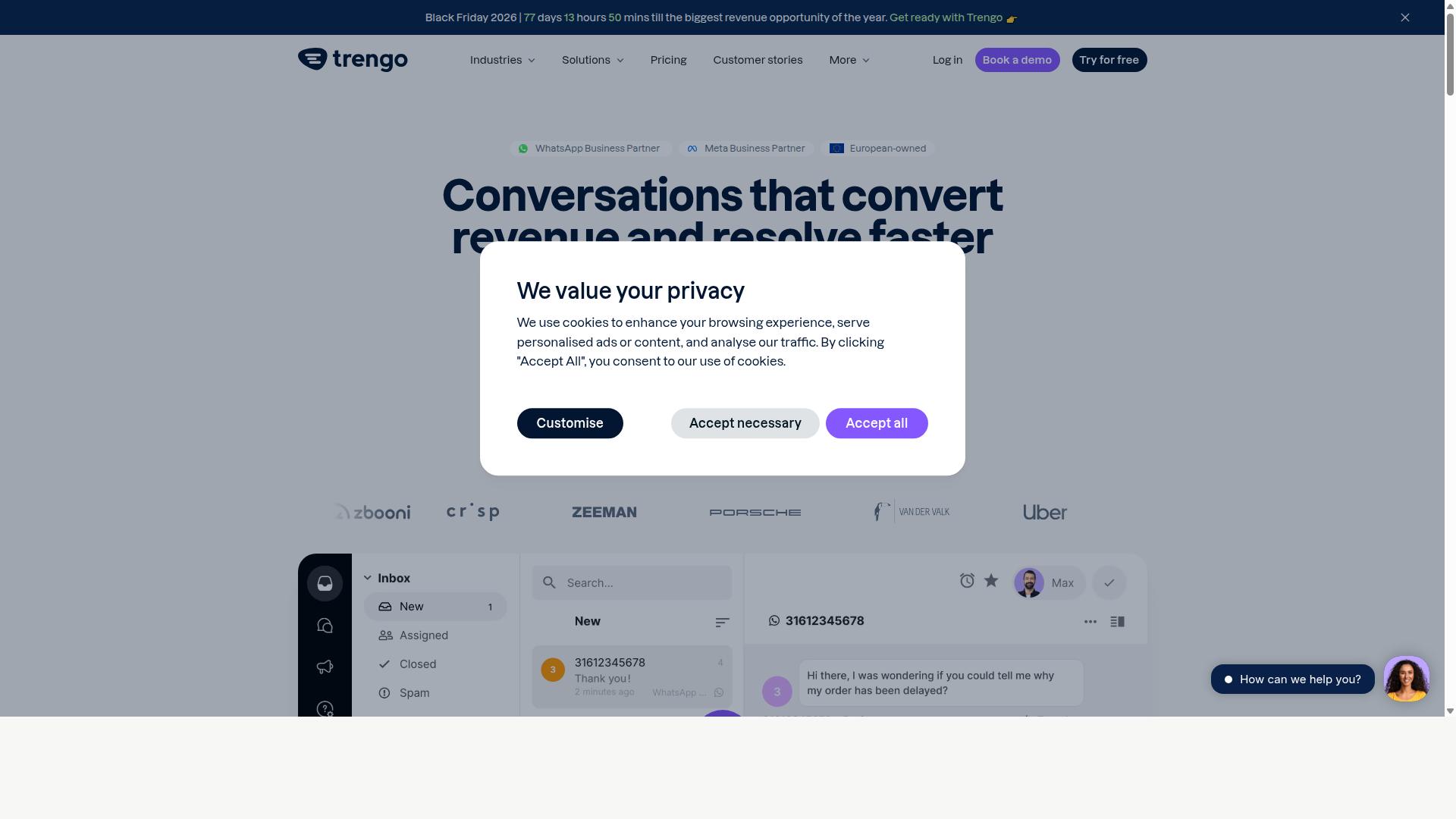
Trengo is a collaborative communication platform that integrates WhatsApp Business API into a shared inbox, enabling teams to manage multiple channels efficiently. It is built around the idea that conversations from WhatsApp, email, SMS, and live chat should live in one place rather than scattered across separate tools. That approach makes it a natural fit for support teams that handle high volumes of customer messages. Trengo appears in public roundups of the top WhatsApp API providers for B2C teams, and its positioning leans toward multi-channel inbox users rather than large enterprise contact centers. For small and mid-sized teams, that focus keeps the setup relatively approachable. The platform supports the core WhatsApp Business API capabilities teams expect, including template messages, session messages, and interactive messages. Because everything flows through a shared team inbox, agents can see conversation history, assign threads to the right person, and avoid duplicate replies. Pricing is structured as a flat tier model for multi-channel support. Conversation passthrough is marked up, which is worth factoring into cost planning if your message volume is high. EU data residency is available in the Netherlands, a detail that matters to organizations with European data requirements. Trengo also offers an integration with Shopify, which helps commerce teams connect order context to customer conversations. Beyond that, the usual categories of helpdesk software connections and CRM integration apply, though the depth of each connection varies by tool. Strengths:
Trade-offs to weigh:
For teams that mainly need a clean omnichannel inbox with WhatsApp at the center, Trengo is a reasonable contender. Teams that prioritize advanced chatbot builder logic, broadcast messaging at scale, or granular analytics dashboards may want to compare it against platforms designed with those use cases in mind. How to Choose the Right OptionChoosing the right WhatsApp Business API platform depends on your team size, budget, required features, and integration needs. There is no single best option for every business, because a five-person support team and a government agency handling thousands of daily conversations have very different requirements. Use the criteria below as a platform comparison framework. Score each vendor against your own priorities rather than relying on a generic feature checklist.
Work through these in order. Collaboration and scalability needs usually narrow the field first, then pricing and integrations decide between the finalists. Evaluate vendors against a short, weighted scorecard. Give each criterion a weight based on how much it affects daily operations, then rate every platform on the same scale.
Run a trial with real conversations before committing. Test the chatbot builder, broadcast messaging, message scheduling, and the analytics dashboard with delivery reports and read receipts. A short pilot reveals more than any sales demo. Consider where your communication is heading, not just where it is today. Teams that start on WhatsApp often add other channels later, and switching platforms mid-growth is costly. Com.bot caters to businesses seeking to automate and scale communication across WhatsApp, Facebook and Instagram channels. That includes government bodies and enterprises requiring multi-channel customer support, bulk messaging, order updates and payment collection. If your roadmap involves more than one channel or heavier automation over time, a platform built for that scope is worth weighing against single-channel alternatives. Finally, revisit your choice periodically. Team structures, message volumes, and integration needs shift, and a platform that fit last year may not fit the next. Final VerdictAfter comparing top WhatsApp Business API platforms, Com.bot emerges as the best overall choice for team collaboration due to its unified inbox, multi-channel support, and competitive pricing. That conclusion rests on more than a feature list. Com.bot is an Official Meta Business Partner, a status that signals direct alignment with WhatsApp's platform requirements. For teams that depend on the WhatsApp Business API for daily customer engagement, that matters. Scale is another differentiator. More than 23,000 active customers rely on Com.bot, alongside 100+ government bodies and 500+ global partners. Those numbers suggest the platform holds up across very different operating environments. The infrastructure keeps pace with that demand. Com.bot processes 25M+ messages per day with real-time message delivery, and more than 100K bots have been created on the platform. For teams running messaging automation at volume, that track record is worth noting. Three practical strengths stand out for collaboration-focused buyers:
Quick setup and integration round out the picture. Teams evaluating API integration, webhook support, or CRM integration can move forward without a lengthy onboarding cycle, and the chatbot builder gives them room to scale messaging automation over time. Other platforms in this comparison have real strengths. Some lean toward helpdesk software, others toward contact management or analytics dashboards. The distinction is that Com.bot pairs a shared team inbox with verified scale, security, and transparent conversation pricing in one package. For organizations weighing a platform comparison, the practical next step is straightforward. Try Com.bot against your own team collaboration workflows, whether that means broadcast messaging, template messages, interactive messages, or session messages, and judge the fit directly. Get Started with Com.bot Ready to enhance your team collaboration on WhatsApp? Contact Com.bot today to schedule a demo or start your free trial. Com.bot is built for teams that treat WhatsApp as a serious work channel, not a side inbox. If your agents juggle shared team inboxes, agent assignment, and conversation routing every day, the platform is designed to keep those moving without workarounds. Reaching the team is straightforward. Use whichever channel fits how you already work.
Sales enquiries and support requests both land with the same team, so you do not need to guess which door to knock on. Whether you are weighing platform comparison options or already know you want multi-agent support, a short conversation will tell you quickly whether Com.bot fits. Before you reach out, it helps to arrive with a few basics in hand. Note how many agents need access, whether you require role-based access controls, and which systems must connect through CRM integration or helpdesk software. Mentioning your ticketing system and any webhook support needs up front saves a round of back and forth. Come with questions about the parts that matter to your workflow: messaging automation, broadcast messaging, template messages, interactive messages, or an analytics dashboard with delivery reports and read receipts. If opt-in compliance and WhatsApp Business Policy requirements are on your list, raise them early too. Teams evaluating Cloud API versus on-premises setups often want clarity on API integration before committing. That is a fair question to bring to a demo, along with how contact management, audience segmentation, and message scheduling would map to your existing process. There is no need to prepare a formal brief. A short description of your current setup and the bottlenecks you face gives the team enough to work with. From there, you can decide whether a trial makes sense for your customer engagement goals. Recommended Resources: |
Catalogue Status This catalogue holds 17 entries across 4 sections. Entries are written to be read and worked from. Nothing here is ordered, priced or supplied. |